
The e-learning boom has a dark side. The online course scam is now a full-blown industry. Beyond bad advice, many online gurus now use their platforms to spread malicious software. The FTC’s 2025 Ransomware Report highlights how tech support scams and malware-based attacks continue to target consumers. Here is how to spot the scam before you lose your money or your data.
The Luxury Trap
If a course’s sales page features more photos of rented mansions and private jets than actual lesson plans, be careful. Scammers sell the result (wealth and freedom) because they don’t have a real process to teach.
Legitimate teachers are proud of their syllabus. They will show you exactly what you are going to learn, step-by-step. As U.S. News warns, pressure tactics and lack of detailed curriculum are major red flags. If the marketing is 90% “lifestyle” and 10% “learning,” it is almost certainly a hollow product.

The Mandatory Software Trick
This is where a financial scam becomes a technical security threat.
Many fake courses — especially in automated trading or marketing bots — insist that you download a custom tool or a student resource pack to succeed.
These downloads are often Trojan Horses that look helpful but actually contain hidden programs that track your keystrokes or steal your passwords. According to CISA, remote access Trojans and information stealers remain among the most prolific malware strains in the wild.
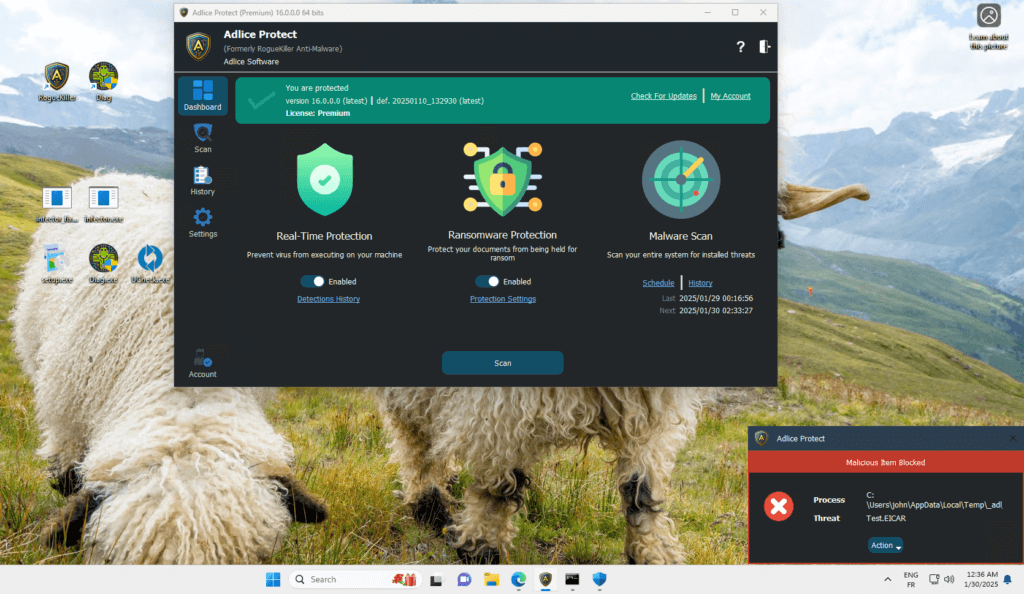
That is why you need a layer of defense like Adlice Protect.
- Behavioral detection — identifies suspicious “guru” tools that traditional AV might miss.
- Real-time blocking — stops malicious processes before they can touch your private data.
- PUP protection — automatically detects the “Potentially Unwanted Programs” bundled with fake courses.
With Adlice Protect, you stay secure even when exploring new digital tools.
The Update Required Scam
You might log into a course website and see a popup claiming your browser or video player is out of date.
Do not click it. This is a classic trick to get you to manually install a virus. As Bleeping Computer reported, fake update campaigns have become one of the most effective social-engineering attacks in recent years.
To stay safe, always update your software through a trusted source — the FTC recommends downloading updates only from official channels. This is exactly why we built UCheck.
UCheck scans your PC and updates your applications directly from official sources. If a website tells you an update is needed but UCheck says you are current, you know the website is lying.
Your Pre-Purchase Checklist
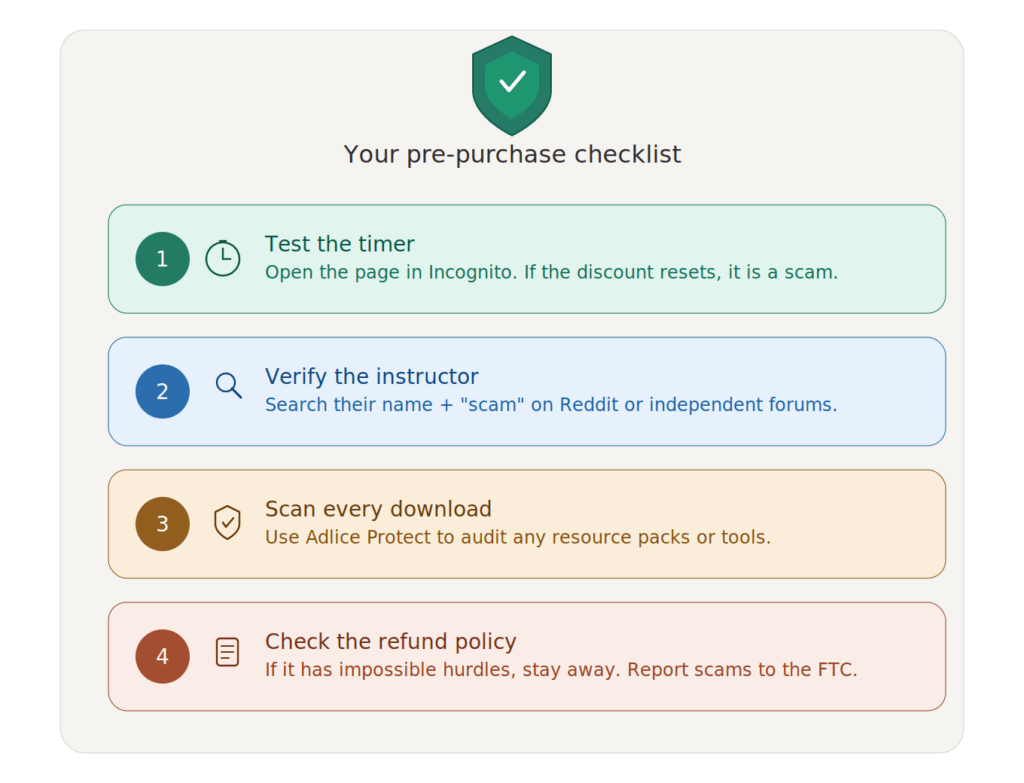
- Test the timer — Open the page in Incognito. If the limited time discount resets, it is a scam.
- Verify the instructor — Search for their name + “scam” on Reddit or independent forums.
- Scan every download — Use Adlice Protect to audit any resource packs or tools provided by the course.
- Check the refund policy — If it has impossible hurdles to get your money back, stay away. You can also report the scam to the FTC.
Why Choose Adlice Protect?
- Expert Research — We build tools based on years of malware analysis.
- Behavior-First — We don’t just wait for virus updates; we watch what programs do.
- User-Focused — Professional-grade security made simple for everyday consumers.
When you are hunting for knowledge, the risks rise — but you don’t have to be vulnerable. If you think your device has already been compromised, CISA’s recovery guide is a great place to start.
Take Action Before It’s Too Late
Don’t let a masterclass turn into a security disaster.
Install Adlice Protect — Free Trial today and keep your workstation secure while you learn.
Verify the expert. Shield your system.
Because when you’re hunting for knowledge — we’re hunting the threats.