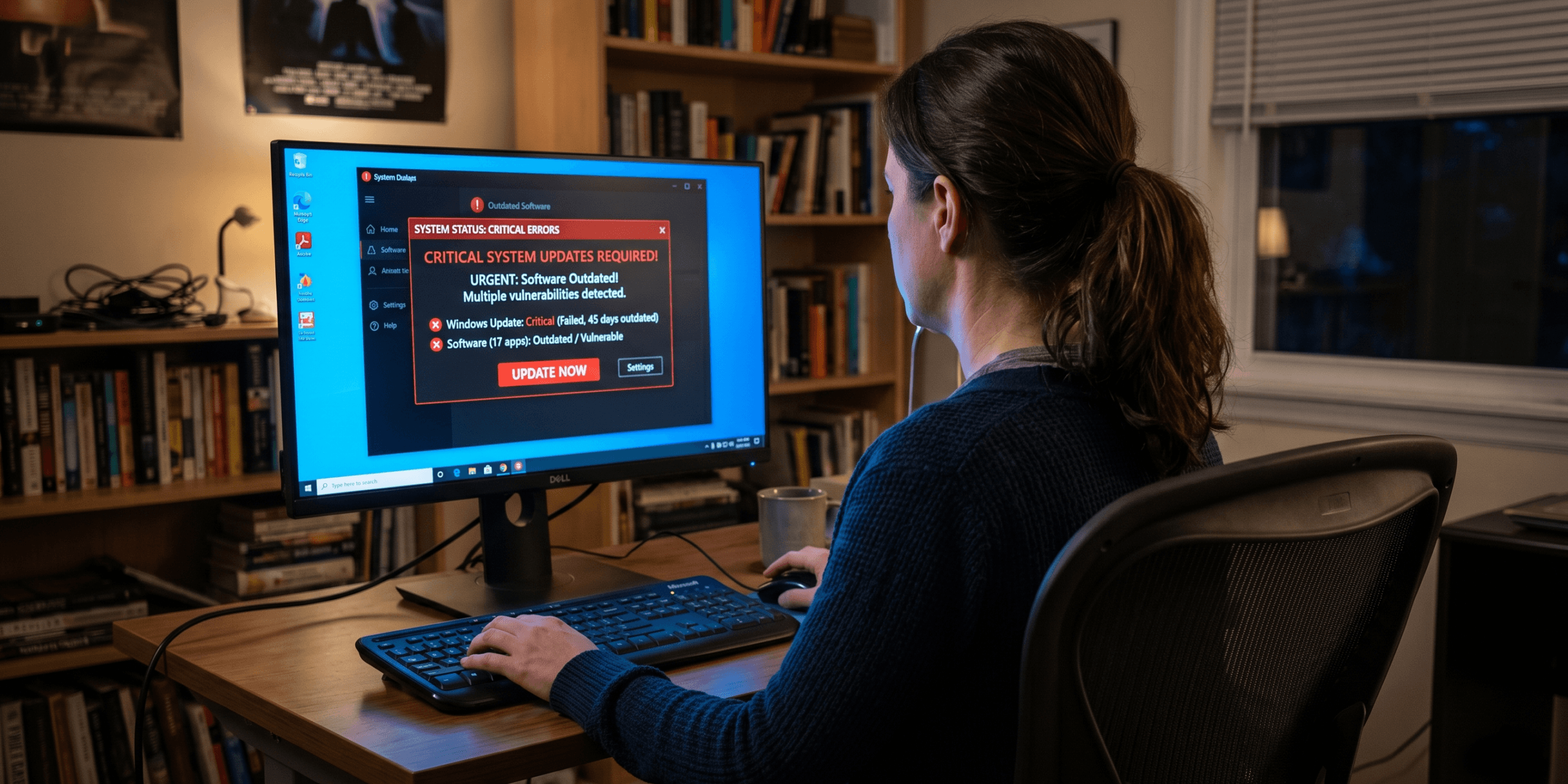
We’ve all done it. A little popup appears in the corner of the screen: “Update available.” You click “Remind me later” without a second thought. Maybe you’re in the middle of something. Maybe you just don’t want to deal with a restart right now. Totally understandable.
The problem is that hackers are counting on exactly that.
Outdated software is now one of the leading ways attackers break into people’s computers. Not through elaborate tricks, but simply because a known flaw wasn’t patched in time. According to the 2026 Vulnerability Statistics Report, around 60% of data breaches involve a vulnerability that already had a fix available. The patch existed. It just wasn’t installed.
How it actually works
When a security flaw is found in a piece of software, the company that makes it releases a patch. That patch is public. And the moment it goes out, attackers study it: they reverse-engineer exactly what was broken, then go looking for machines that haven’t updated yet.
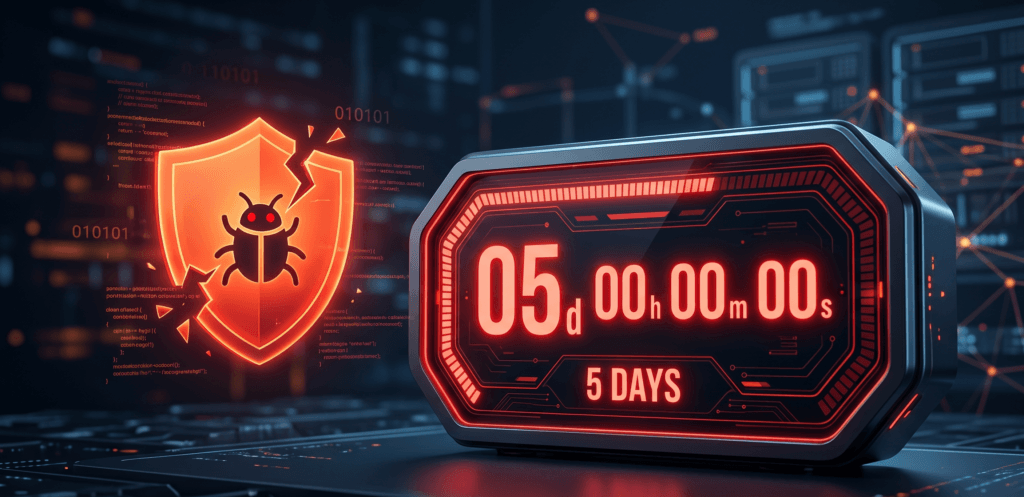
This happens fast. The median time between a vulnerability being disclosed and someone actively exploiting it is now under 5 days, according to the Mandiant M-Trends Report. In 2026, that means 131 new flaws are being discovered every single day, and attackers are weaponizing them almost immediately.
They’re not targeting you specifically, either. They run automated scans across the entire internet (Fortinet tracked roughly 36,000 malicious scans per second in 2025), just looking for machines running old, vulnerable versions of common software. If yours shows up, you’re in.
It’s not just obscure software
People assume hackers go after weird, niche programs. In reality, they go after the stuff everyone has: Chrome, Firefox, VLC, WinRAR, Zoom, your PDF reader. Exactly because everyone has them. A flaw in a popular app is a flaw that works on tens of millions of computers at once.
Your browser alone gets patched constantly. Same for PDF readers, media players, even password managers. Any of these, left outdated for a few weeks, can become the way in.
What actually happens if someone gets in
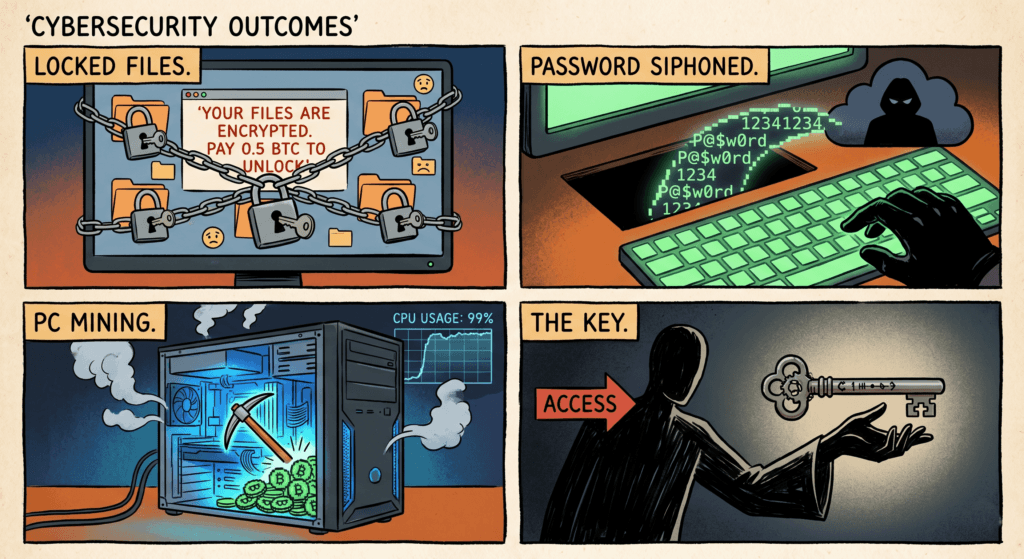
It depends on what they want. But here’s the short version of the most common outcomes:
- Ransomware: your files get encrypted and you’re asked to pay to get them back, with no guarantee you actually will. According to 2026 data, 54% of ransomware attacks now start from an unpatched system.
- Password theft: a small program runs quietly in the background, harvesting everything saved in your browser. Passwords, banking sessions, cookies. By the time you notice something’s wrong, the damage is done.
- Your PC working for someone else: cryptominers, spam bots, DDoS traffic. Your machine becomes a tool without you knowing. You just notice it’s slower than usual and wonder why.
- A backdoor: the attacker installs something that lets them come back whenever they want. Even if you never notice anything, they can sit there for months. The TechRepublic 2026 breach roundup found this kind of persistent access behind some of the year’s biggest incidents.
“I have antivirus, though”
Fair point, antivirus is still useful. But it has a real limitation here.
Antivirus is good at catching malware once it’s already on your machine. What it’s not designed to stop is someone walking in through an unpatched flaw before they even drop anything. The entry happens first, the malware comes after (if at all). By then, the door was already open.
That’s why CISA’s own guidance puts patching above detection as a priority. Keeping software up to date is what stops the entry from happening in the first place. Tools like Adlice Protect then add a second layer on top, catching anything that does slip through.
The honest reason people don’t update
It’s not that people don’t care. It’s that keeping everything updated is genuinely annoying. Each app has its own update mechanism: some pop up prompts, some update silently, some do nothing at all. 38% of people say they simply can’t keep up with the pace of software updates, even when they’re trying.
And Windows Update only handles Microsoft software. Everything else (your browser, your media player, your utilities) is on you.

This is exactly what UCheck is for
UCheck scans your PC, finds every installed application, and tells you what’s out of date across more than 10,000 software titles. Then it updates them directly from official sources. No third-party mirrors, no bundled extras.
The FTC recommends only downloading updates from official channels, and that’s precisely how UCheck works. One scan, one list, everything current. If a sketchy website ever tells you your software is outdated and needs an update, run UCheck first. If UCheck says you’re current, the website is lying and probably trying to get you to install something.
- 10,000+ apps monitored: browsers, PDF readers, media players, developer tools, and more.
- Official sources only: always the real update, never a fake one.
- One place for everything: no more chasing down individual update prompts.
The bottom line
You don’t have to be an IT expert to stay secure. Most attacks aren’t sophisticated, they’re opportunistic. They find the unlocked door and walk through. Keeping your software updated closes that door. It’s probably the single highest-impact thing a regular person can do for their own security, and it’s genuinely not that hard once you have the right tool.
If you think something might already be wrong, CISA has a solid recovery guide worth bookmarking. But ideally, you never need it.
👉 Download UCheck – Free
👉 Download Adlice Protect – Free Trial